CBT Windows App
A complete desktop testing solution built with Flutter & Firebase.
Complete System Features & Capabilities
The BrightPath CBT Examination System is an institution-grade testing platform built to out-scale traditional quiz apps.
1. Role-Based Portals
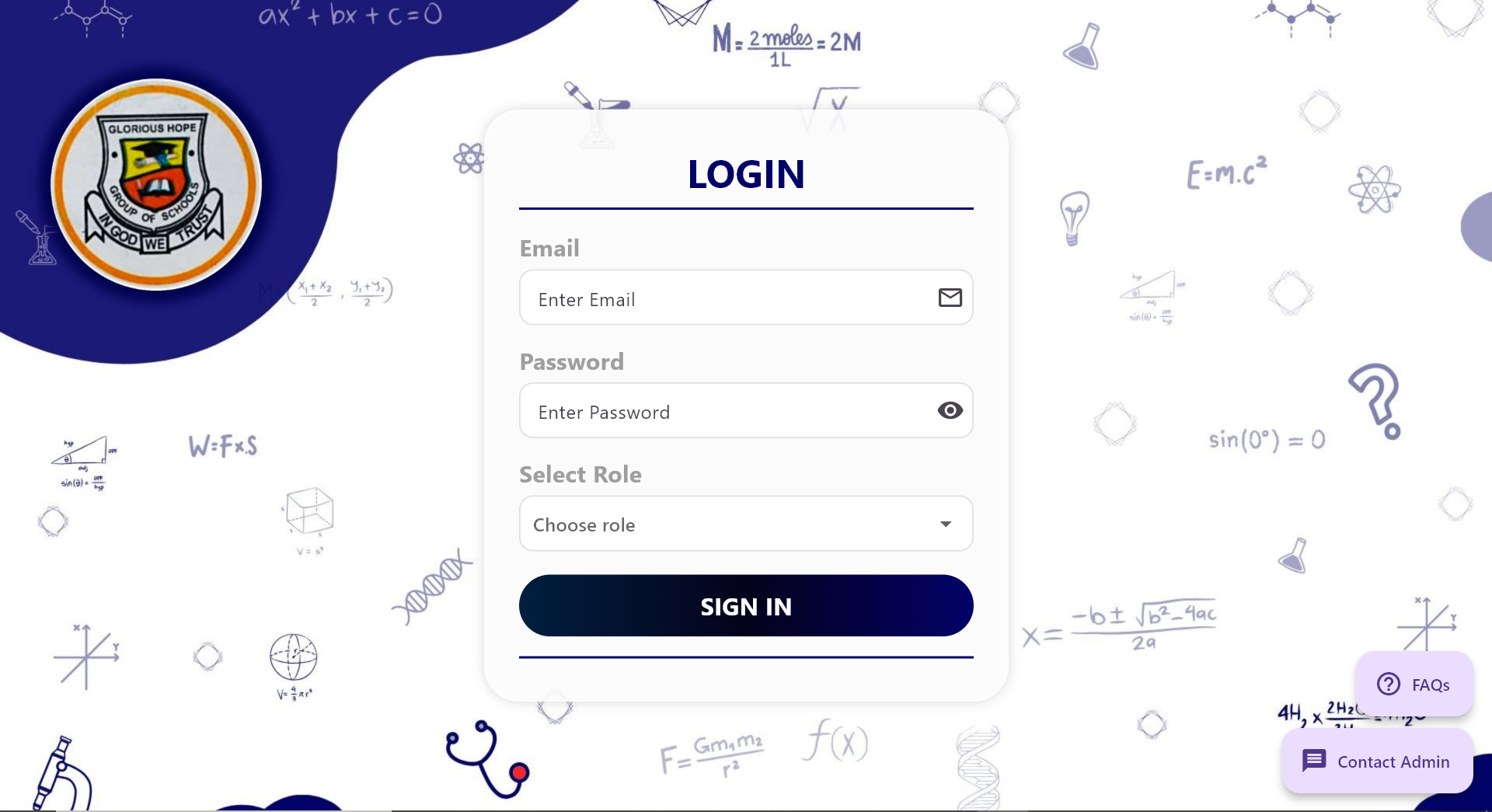
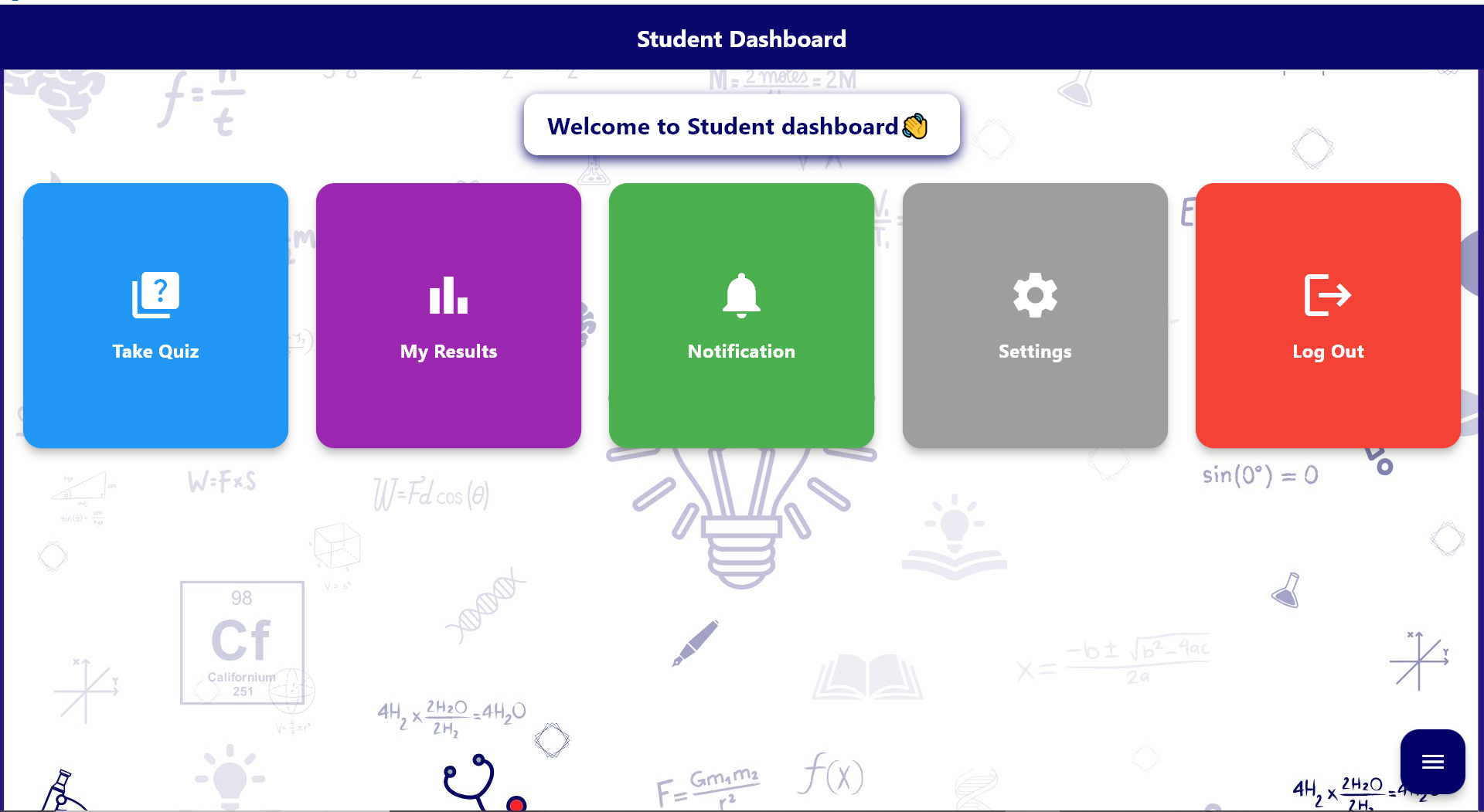
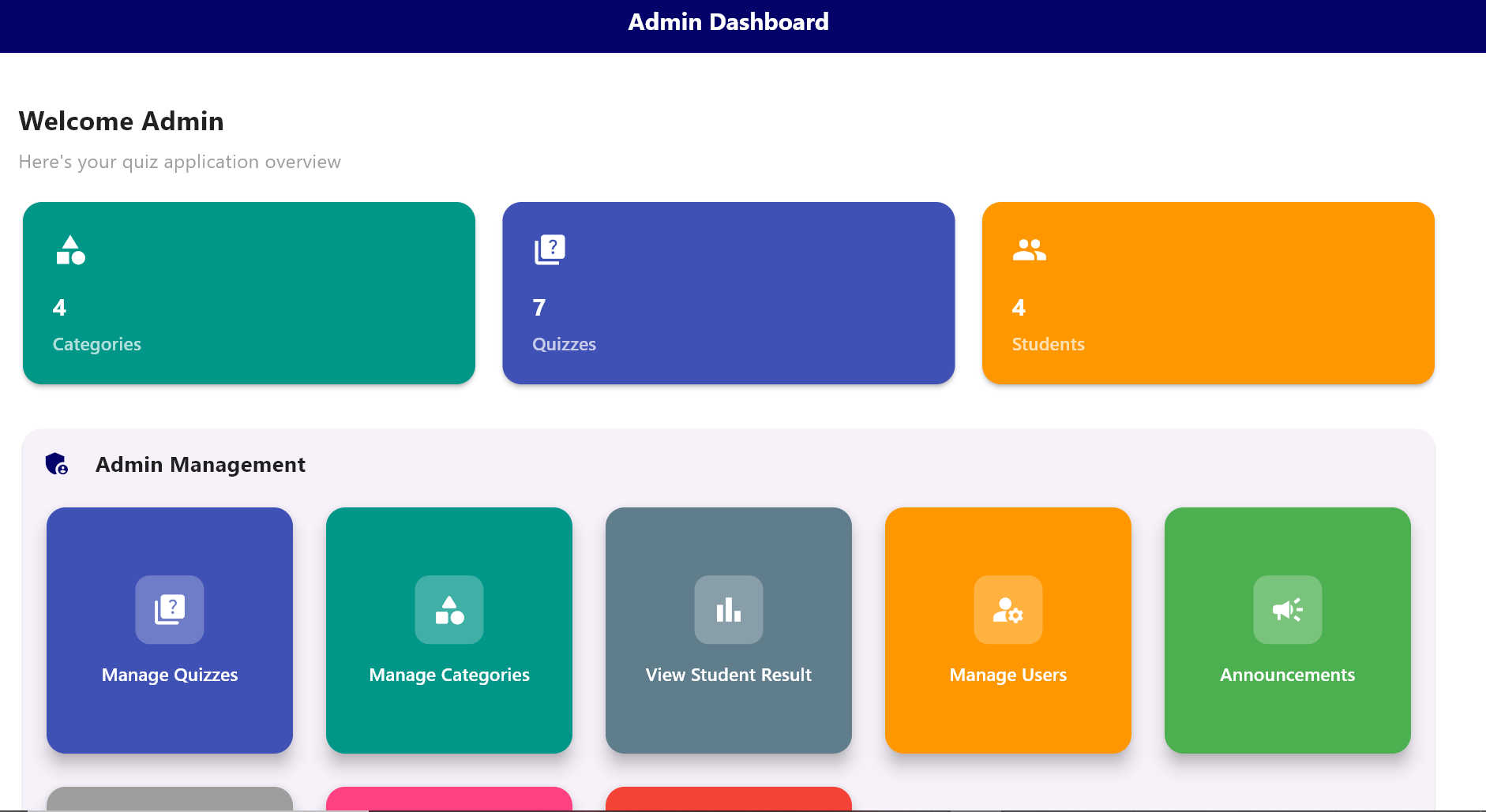
The app ships with strictly separated architectures for Administrators, Teachers, and Students, ensuring privacy and ease of use.
- Teacher Portal: Designed for test orchestration, data aggregation, and monitoring student performance.
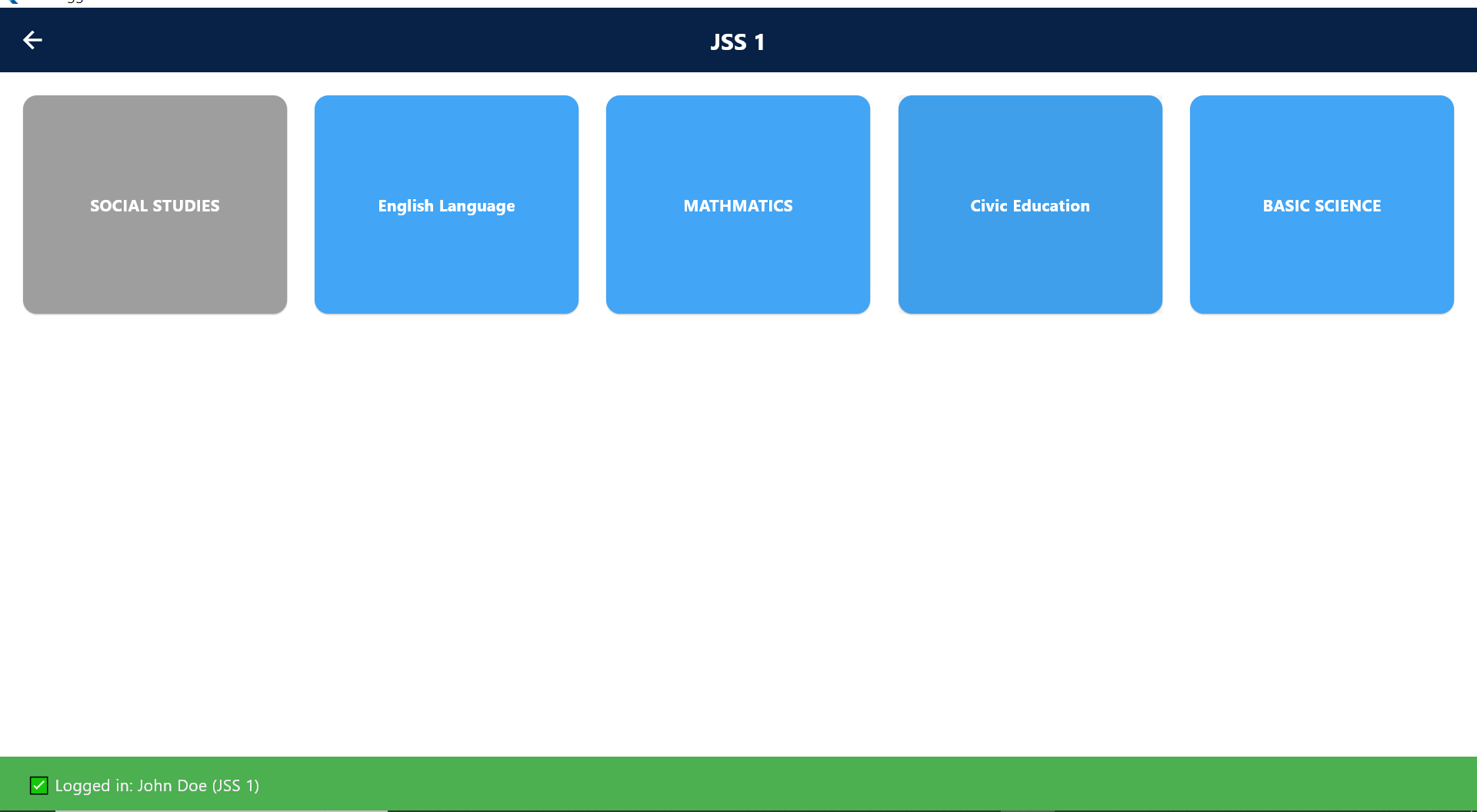
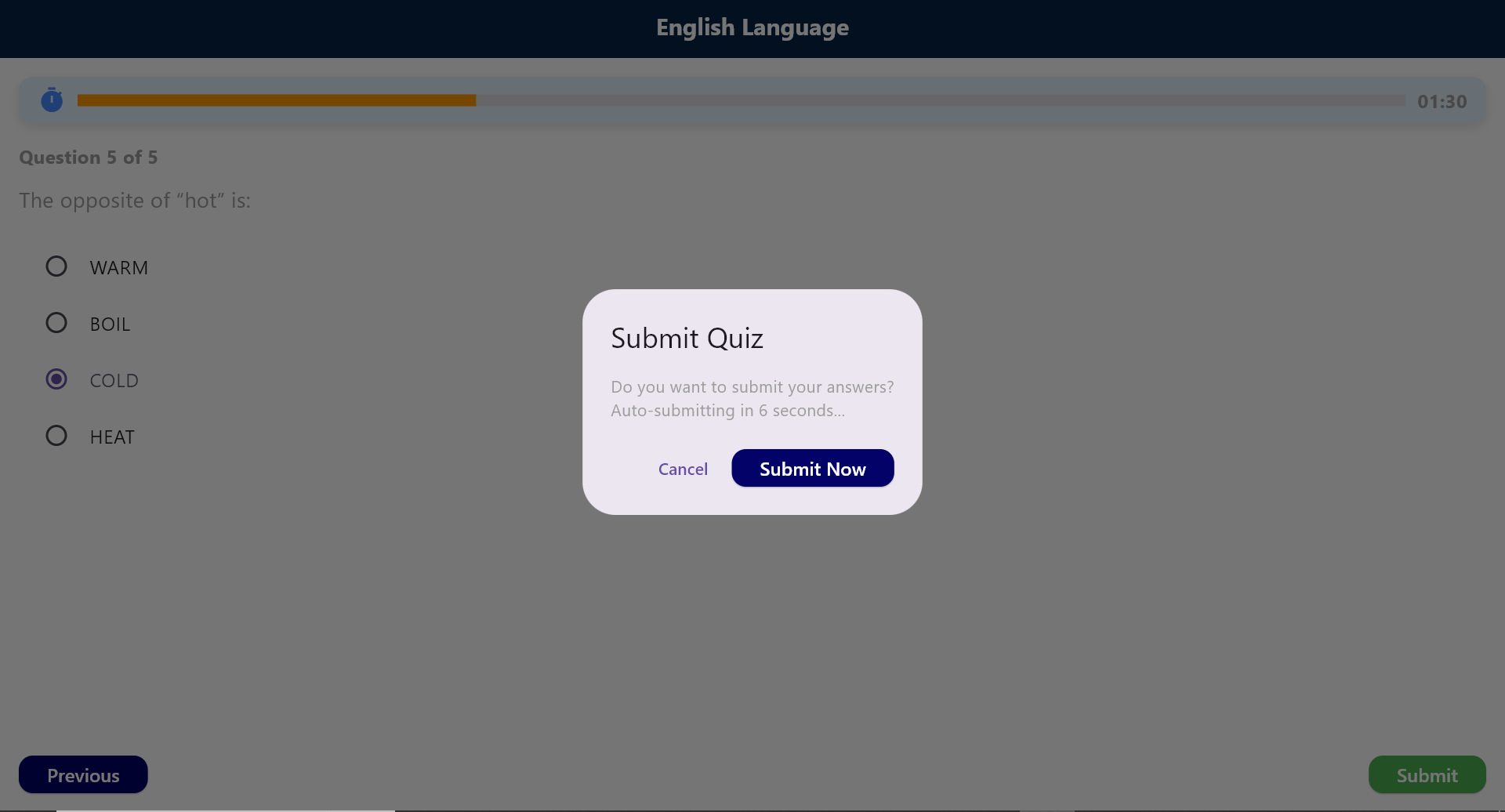
- Student Dashboard: A highly focused, distraction-free examination interface designed for securely taking scheduled tests.
- Modern Institutional UI: The entire user interface has been completely modernized into a stunning "BrightPath" aesthetic featuring vibrant gradients, glassmorphic cards, informative badge pills, dynamic data rendering, and perfect Light & Dark mode display.
2. Advanced Assessment Management (Tests vs. Exams)
The system outgrew simple "quizzes" and now operates using real professional terminology ("Classes", "Tests", and "Exams").
- Practice Tests: Regular dynamic tests where students instantly see their breakdown upon submitting their examination.
- Formal Term Exams: When an assessment is designated as an "Exam" or "Term Exam", the system physically hides the results from the student immediately after submission.
- Result Release Modes: Teachers have total control over result visibility. They can publish results manually (via a simple toggle) or set a scheduled release date for results to become available.
3. Lightning-Fast Exam Creation Tools
Teachers no longer have to manually type out thousands of questions. The system houses an incredible suite of Data Extraction algorithms:
- Magic Sharp Input: Teachers can copy and paste raw unformatted text from anywhere and the AI-driven regex engine will instantly map and format the entire batch perfectly into the visual builder.
- Document Upload (.docx & PDF): Teachers can directly upload existing examination files and the system will automatically parse the document to extract questions without typing a single word.
- Detailed Question Attachments: Teachers can seamlessly embed specific images and diagrams directly into individual questions for science or mathematics exams.
4. Deep-Dive Item Response Analytics
The teacher dashboard provides incredibly powerful pedagogical insights.
- Item Response Analytics: Teachers can click into an exam and see EXACTLY how many tries and fails each specific question generated.
- Fatal Kill Rate Display: The analytics system flags specific questions with a "🚩 FATAL KILL RATE" badge if +85% of the class is failing that exact question, giving teachers massive insights into where the curriculum might be confusing the students.
5. Gradebook Assembly & Export
- Student Result Tally: The app actively tabulates metrics such as student completion times, total score percentages, and total class averages effortlessly.
- Seamless Spreadsheet Export: With a single button click, the system securely generates and exports localized spreadsheets (CSV logs) containing the total comprehensive grade book of every student, making integration with master school records instantaneous.
6. Free-Tier Optimized Server Engineering
You can comfortably promise the school heavy reliability without incurring unexpected cloud service costs.
- Local Data Stream Filtering: The application operates intelligently by running heavy data-filtering locally inside the user's secure memory stream. Meaning the app can handle immense search sorting and category parsing while hitting Firebase for only a single localized read event. This aggressively throttles your read limits and keeps the institution safely beneath the Firebase Spark Tier entirely for free.
- Persistent Offline Caching: The user's credential state natively caches in their local Windows/App
SharedPreferences, avoiding unnecessary network auth cycles and stopping log-in loops. - Crash-proof State Lifecycles: Application navigation is wrapped in safe lifecycle hooks (
mountedchecks), guaranteeing that if teachers are bulk uploading questions or generating gradebooks, the app won't crash if they abruptly switch screens or exit early.
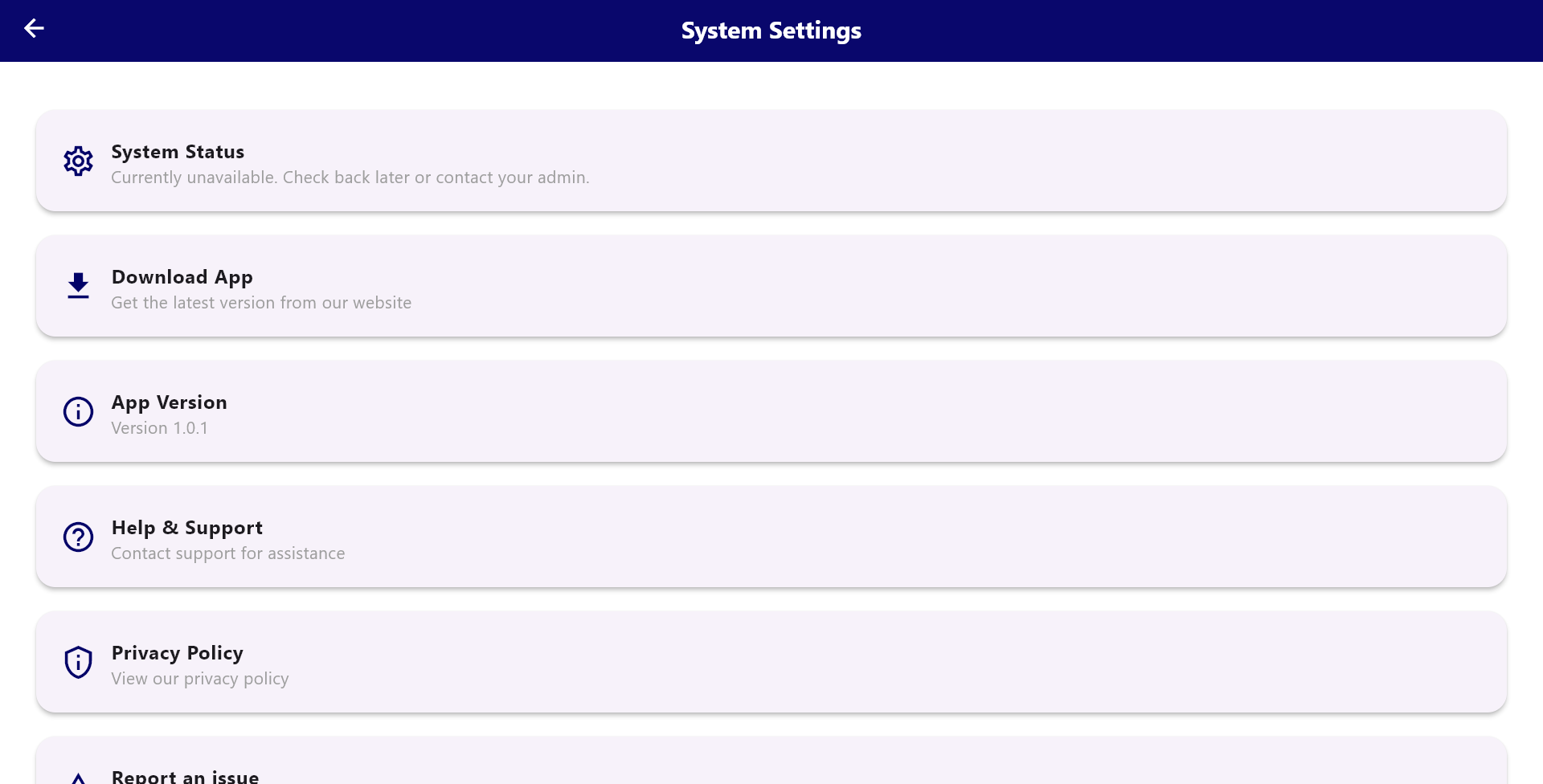
*Redirects to Maintenance Page: Version 1.0 is currently unavailable.
Project Screenshots